
YouTube Thumbnail Downloader
Extract and download high-resolution cover thumbnails (1080p MaxRes, HQ, SD) from any YouTube video URL or ID directly in your web browser.
YouTube CDN Resolver
Video ID: dQw4w9WgXcQ
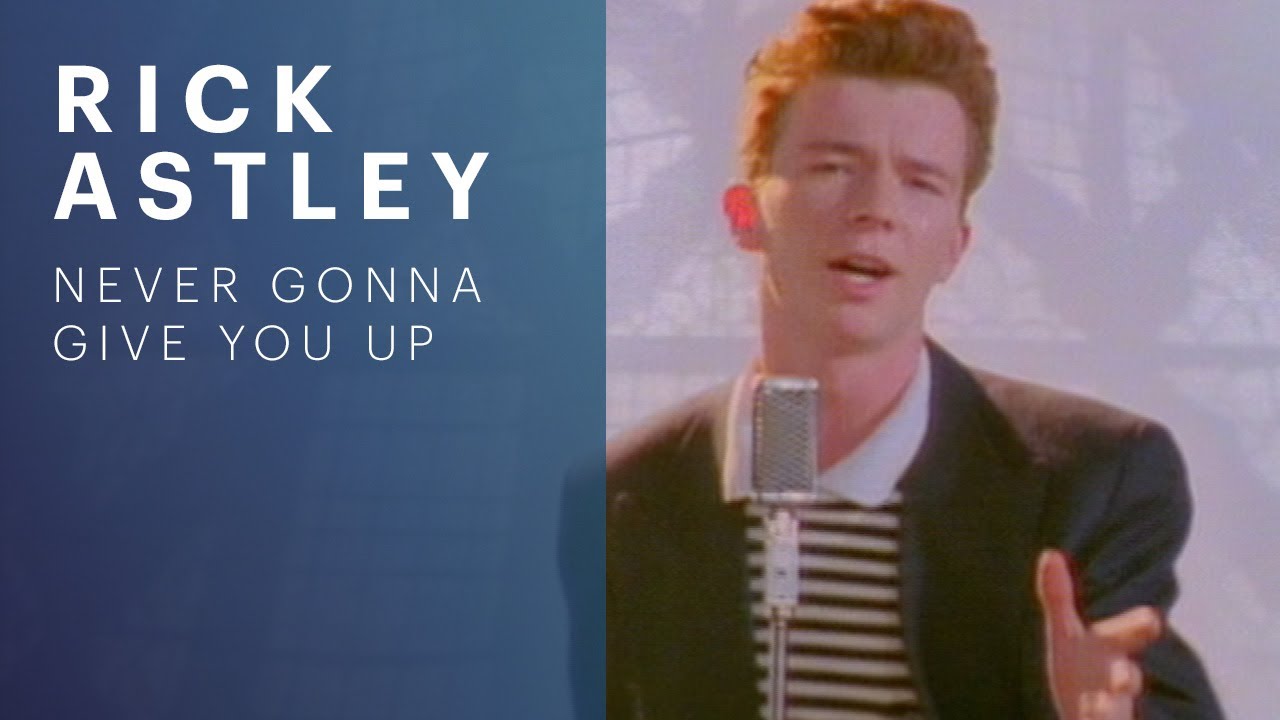



Direct YouTube CDN Thumbnail Extraction and Resolution Discovery
YouTube generates multiple image resolutions for every uploaded video, storing them on high-speed content delivery networks. However, standard YouTube player interfaces do not offer a native button to download or inspect the original high-resolution cover artwork.
This extractor resolves all official YouTube thumbnail resolutions directly from any video URL or bare video ID. By parsing watch URLs, youtu.be short links, embed links, and Shorts URLs, it identifies the 11-character video key and derives the official CDN endpoints.
Access maximum resolution 1080p MaxRes images, high quality 480p files, medium quality thumbnails, and standard definition images. All resolution derivation occurs within your browser thread without routing media through intermediate proxy servers.
Core Tool Capabilities
- Universal YouTube Link Parsing: Support for standard watch URLs, youtu.be short links, embed links, Shorts links, and raw 11-character video IDs.
- Four Official CDN Resolutions: Resolve maxresdefault (1280x720), hqdefault (480x360), mqdefault (320x180), and sddefault (640x480) assets.
- Direct One-Click Asset Opening: Open full-resolution images directly in a new browser tab for inspection and local saving.
- One-Click URL Copying: Copy direct CDN image links to your clipboard for use in documentation or content management systems.
- Live Responsive Thumbnail Previews: Preview all available resolutions simultaneously in a responsive grid before downloading.
- Zero Proxy Intermediaries: Connects directly to Google and YouTube content delivery networks with zero third-party proxy tracking.
Local Browser Privacy
Your files are processed locally on your device. Files are not uploaded, transmitted, or stored on remote servers.
Once the page has loaded, you can disconnect your network connection and continue using this tool offline.
Target Use Cases
- • Content Creation Inspiration
- • Blog and Article Illustration
- • Presentation Slide Assembly
- • Archival and Documentation
Technical Specifications and Platform Limits
Highest resolution available on videos where custom art was uploaded.
Fallback thumbnail dimensions generated for all uploaded videos.
Official Google and YouTube global image content delivery network.
Fast local URL regex parsing with zero server overhead.
Submitted video URLs are never stored, logged, or tracked.
Step-by-Step Workflow
Paste YouTube Video Link
Enter any YouTube video link, whether a standard desktop URL, mobile short link, or 11-character video ID.
Inspect Available Resolutions
Review the gallery of resolved thumbnails from 1080p MaxRes down to compact medium quality.
Open or Copy Link
Click Copy Link to place the image URL on your clipboard, or click the external icon to open the full asset.
Save Image to Device
Right-click the opened full-resolution image and select Save Image As to download it to your computer.
Practical Real-World Use Cases
Content Creation Inspiration
Designers studying effective thumbnail compositions, typography, and color contrasts from popular channels.
Blog and Article Illustration
Writers embedding official video cover artwork when publishing video reviews or podcast summaries.
Presentation Slide Assembly
Speakers adding high-resolution video preview cards to conference presentation decks.
Archival and Documentation
Media teams archiving original channel artwork for marketing reports and portfolio showcases.
Frequently Asked Questions
- Why does maxresdefault show a grey placeholder image for some videos?
- The maxresdefault image is only generated when the video creator uploaded custom high-definition thumbnail artwork. If unavailable, use the high quality (hqdefault) version instead.
- Can I download thumbnails from unlisted or private YouTube videos?
- As long as you possess the video URL and the video is unlisted, the CDN endpoints remain accessible. Fully private videos restricted to specific accounts cannot be resolved.
- What is the aspect ratio of YouTube thumbnails?
- YouTube thumbnails use a standard 16:9 widescreen aspect ratio (1280 by 720 pixels).
- Does this tool download the actual video file?
- No. This tool only resolves and downloads the static image thumbnail from official YouTube CDN servers, not the video audio or visual stream.
- Are my video searches logged or tracked?
- No. The video ID extraction is performed entirely inside your browser memory. We never record the video links you inspect.
Share this tool
Help others discover this utility. No login or registration required.
Master this tool with Guides & Articles
Learn the workflows, common mistakes, and advanced techniques behind YouTube Thumbnail Grabber - Download HD and 4K Thumbnails with our deep-dive educational content.
Deep Linking Guide: Connecting Web, Mobile, and Desktop Routes
Learn how deep links, Universal Links, Android App Links, fallback URLs, QR flows, and deferred routing connect app paths.
How to Check File Size Before Uploading Files Online
Learn how to check file size before uploading files to email platforms, CMS systems, cloud storage, APIs, and messaging apps. Explore browser-native payload analysis, upload compatibility checks, transfer estimates, and file optimization workflows with SHRTX.
Designing Glitch Art with Browser-Native Image Workflows
Learn databending, JPEG and PNG corruption behavior, pixel-sorting pipelines, and browser-local rendering workflows for glitch art.